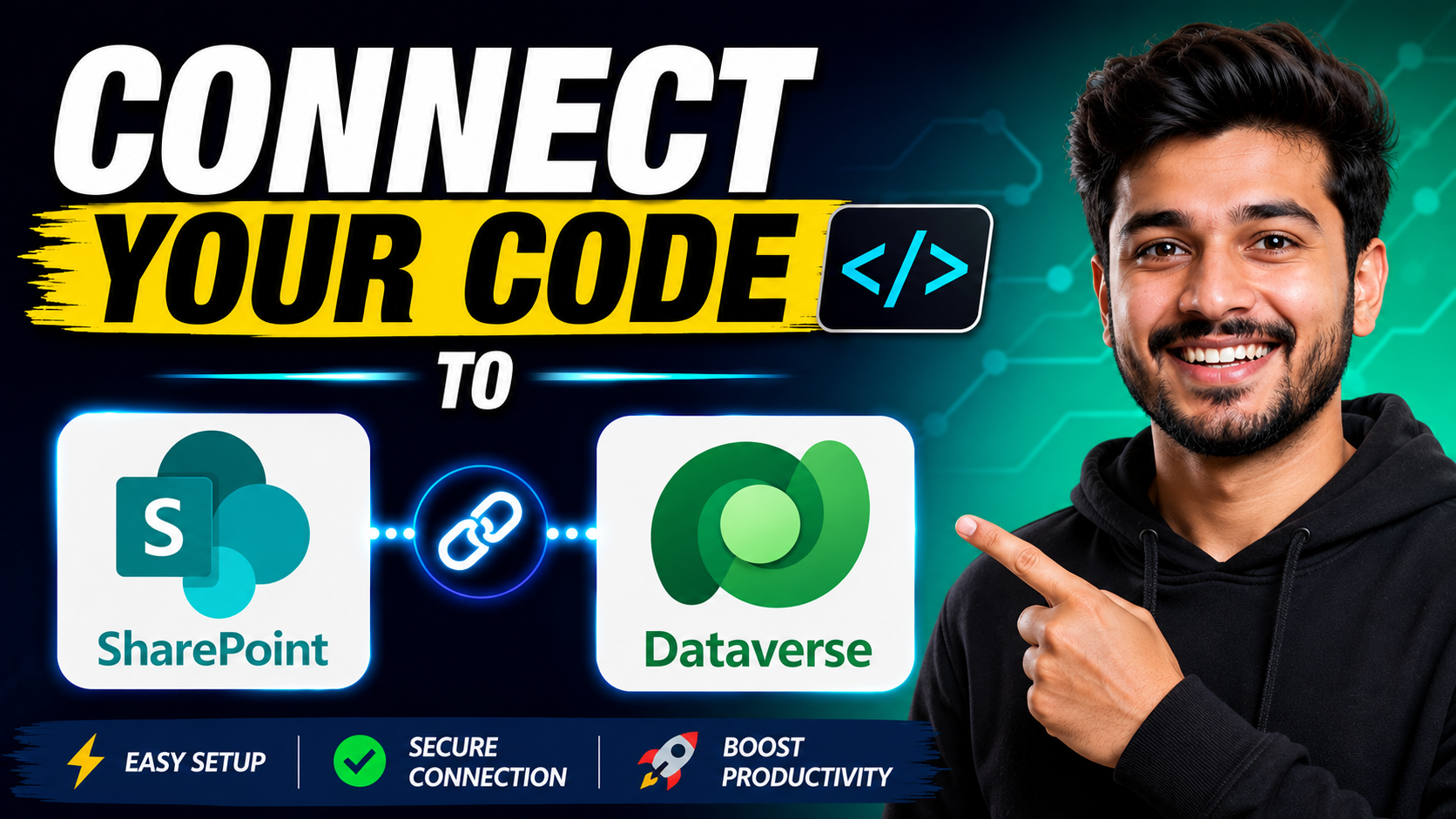
In this article, we’ll explore how to connect your code app to SharePoint and Connect your code app to Dataverse, understand where the generated files are added in your app, and see how everything works together.
To fully utilize your resources, it’s essential to Connect your code app to Dataverse, ensuring seamless data management.
Prerequisites
- Power Apps client library for code apps
- Power Apps CLI (PAC CLI) version 1.46 or later
- An environment with Dataverse enabled
- You must be connected to the environment using PAC CLI
How to: Connect your code app to Dataverse
- Ensure you’re connected to your environment using PAC CLI.
2.Use the pac code add-data-source command to add Dataverse as a data source to your code app
pac code add-data-source -a dataverse -t <table-logical-name> Replace <table-logical-name> with the logical name of the Dataverse table you want to connect to.

How to: Connect your code app to SharePoint
Add a tabular data source
SQL or SharePoint are examples of tabular data sources.
Use the same PAC CLI pac code add-data-source command, but include a table ID and dataset name. The schema of your tabular data source specifies these values. If you don’t already have these values, see Discover available datasets and tables.
This guide will show you how you can Connect your code app to Dataverse and enhance your project.
pac code add-data-source -a <apiName> -c <connectionId> -t <tableId> -d <datasetName>
Following this, you can easily Connect your code app to Dataverse by using a direct command.
Make sure your app is prepared, as you will soon Connect your code app to Dataverse with ease.
In this section, we will detail steps to Connect your code app to Dataverse efficiently.
SharePoint example
For SharePoint, -t is the List name and -d is the SharePoint site:
pac code add-data-source `
-a "shared_sharepointonline" `
-c "aaaaaaaa000011112222bbbbbbbbbbbb" `
-t "Travel%20Request" `
-d "https://contoso.sharepoint.com/sites/TravelPolicies"
✨ Thanks for reading! ✨
I hope you found this blog on the Microsoft Power Platform helpful! From Power Apps, Power Automate (Cloud & Desktop), Canvas Apps, Model-driven Apps, Power BI, Power Pages, SharePoint, Dynamics 365 (D365), Azure, and more, I cover a wide range of topics to help you harness these powerful tools. Don’t miss out on future tips, tutorials, and insights—hit that subscribe button to get the latest posts right to your inbox. 💌💬 I’d love to hear your thoughts! Drop a comment below with your questions, ideas, or feedback—let’s get the conversation started!🔗 Let’s connect and grow together!
Follow me, Ravindra Jadhav, on your favorite platforms for even more content and updates on Microsoft Power Platform and related technologies:
💼 LinkedIn – Let’s network and share ideas!
💻 GitHub – Explore my projects and code.
🐦 Twitter – Stay updated with quick tips and industry news.
📺 YouTube – Watch tutorials and deep dives on Power Platform, Power Apps, Power Automate, and more! Let’s build something amazing together with Power Platform and Azure! 🚀
Remember, the first step is to Connect your code app to Dataverse to ensure accurate data flow.
Understanding how to Connect your code app to Dataverse is key to maximizing your app’s potential.
SEO
- Connect Your Code App to SharePoint & Dataverse in Power Apps
- How to Connect SharePoint and Dataverse to Power Apps Code Apps
- Power Apps Code Apps: Connect to SharePoint & Dataverse
- Connect Your React Code App to Dataverse and SharePoint
- Step-by-Step Guide to Connect SharePoint & Dataverse in Code Apps
- Power Apps PAC CLI: Connect SharePoint and Dataverse Data Sources
- Build Power Apps Code Apps with SharePoint & Dataverse
- Connect Data Sources in Power Apps Code Apps Using PAC CLI
- SharePoint & Dataverse Integration in Power Apps Code Apps
- How to Add SharePoint and Dataverse Data Sources in Power Apps
Power Apps code apps SharePoint integration Dataverse integration PAC CLI Connect SharePoint to code app Connect Dataverse to code app Power Apps client library React Power Apps Power Apps TypeScript Generated services Power Apps
Power Apps, Dataverse, SharePoint, PAC CLI, React, TypeScript, Power Platform, Code Apps, Microsoft Power Apps, SharePoint Online
Connect your code app to Dataverse
Connect your code app to Dataverse
Connect your code app to Dataverse
Connect your code app to Dataverse
To summarize, the ability to Connect your code app to Dataverse simplifies your development process.